Cosmofy at a glance

Built around the stylist's working day.

The welcome screen, home dashboard, calendar, and main menu show how the pieces fit together.
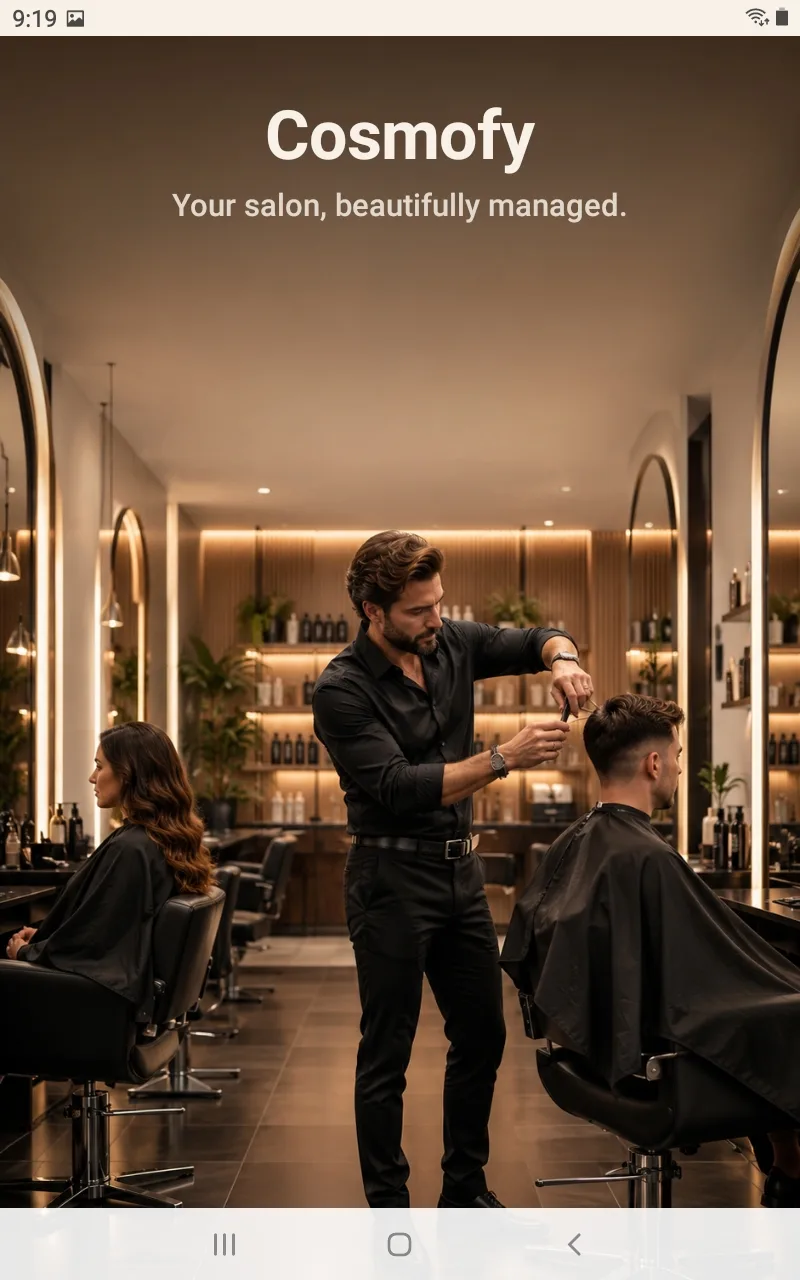
Cosmofy's welcome screen, shown the first time a stylist opens the app.
The welcome screen a stylist sees the first time they open Cosmofy.
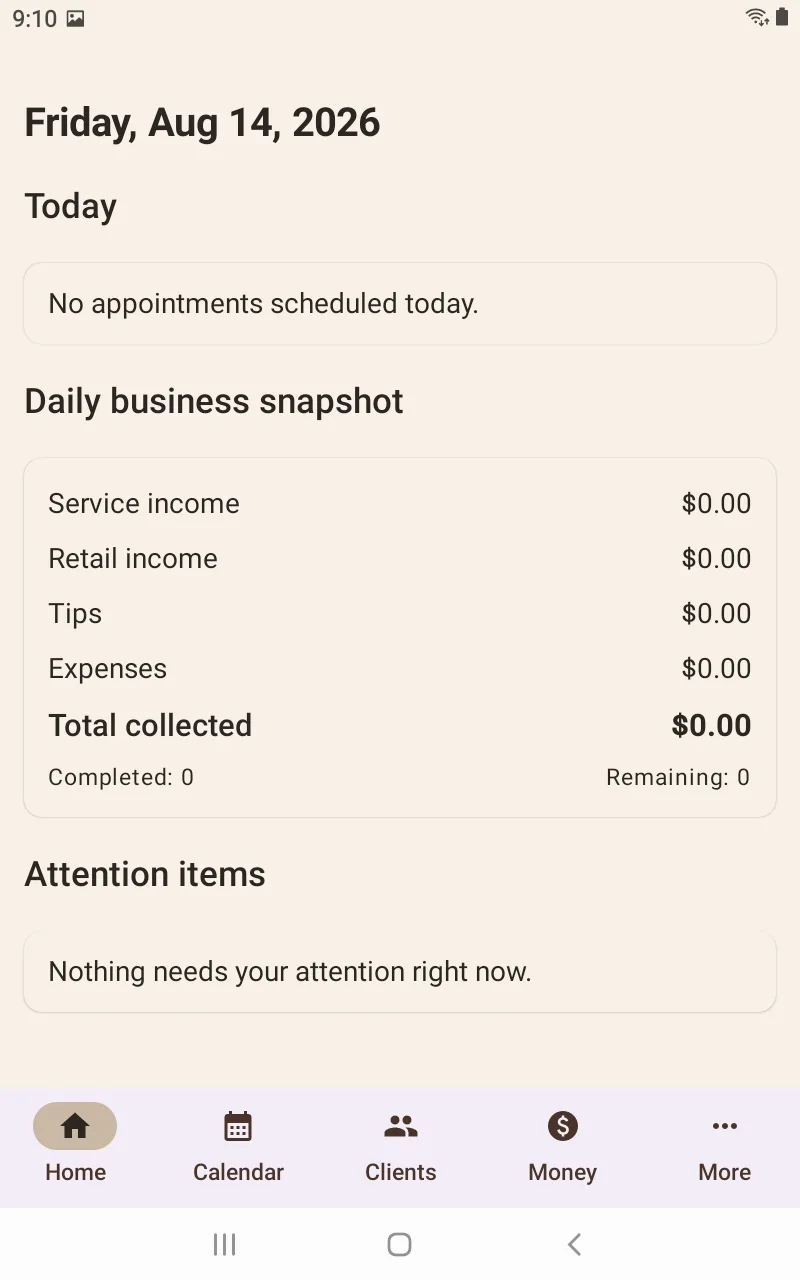
Home screen showing today's appointments, a daily business snapshot, and an attention-items section.
Today's schedule, business snapshot, and attention items in one place.
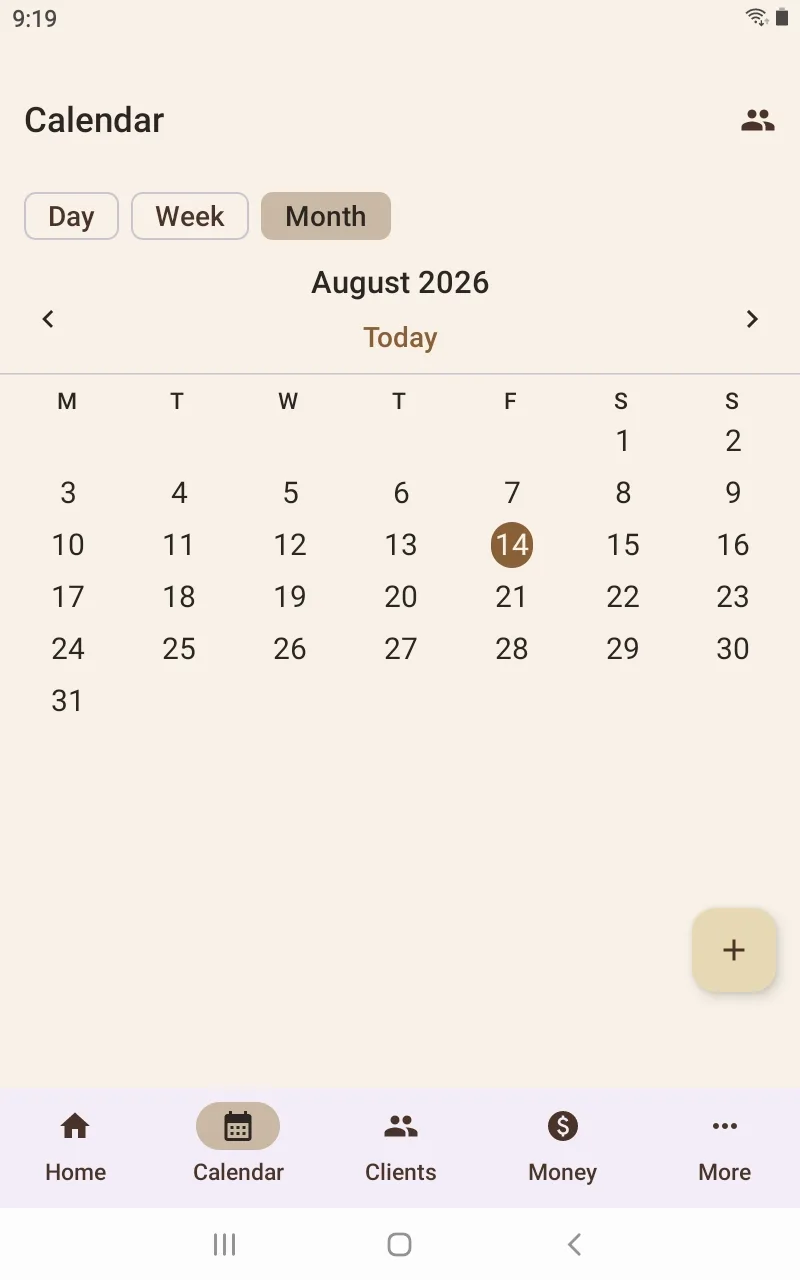
Month calendar view with Day, Week, and Month tabs and a button to add an appointment.
Day, week, and month views, with every appointment entered by the stylist.
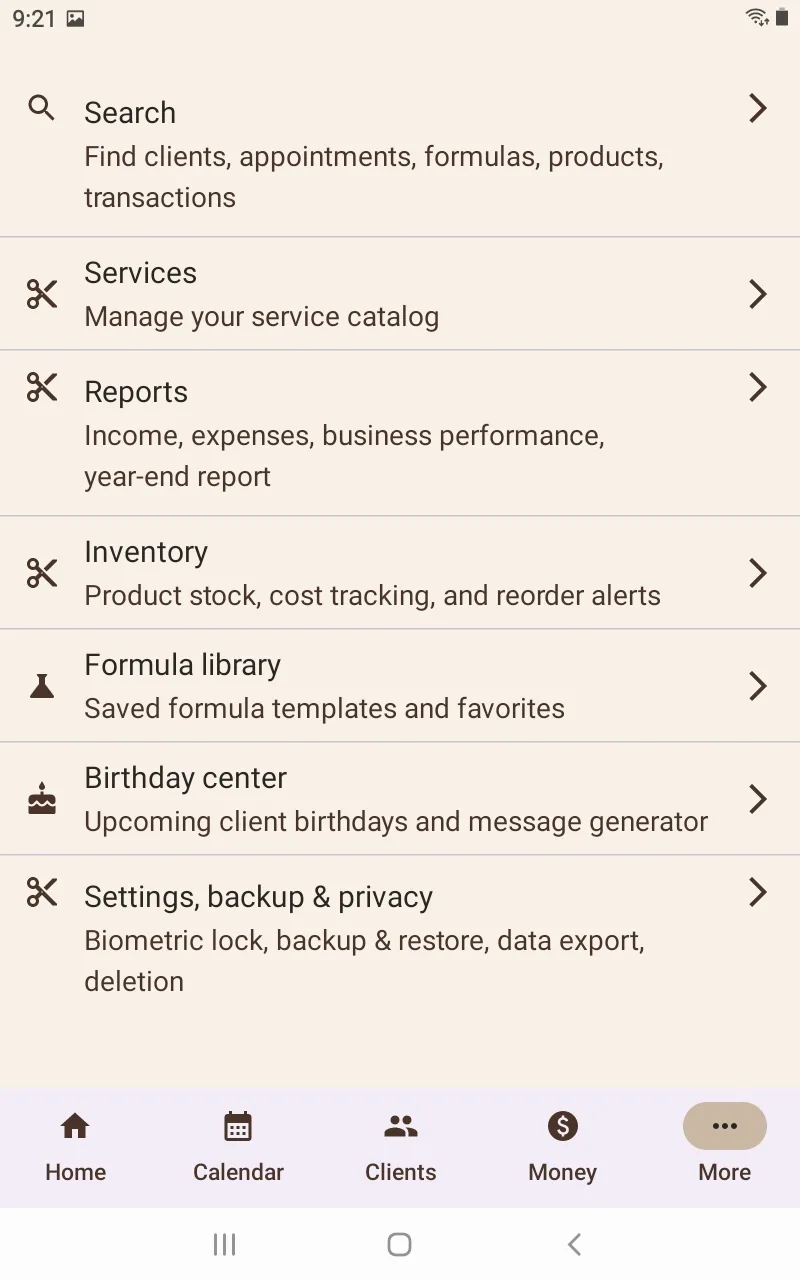
More menu listing search, services, reports, inventory, formula library, birthday center, and settings, backup and privacy.
One menu ties scheduling, client work, money, and privacy tools together.

Clients and services

A real client book, not just a calendar.

Cosmofy is built around an independent stylist's own working relationship with a client, from a first profile through checkout.
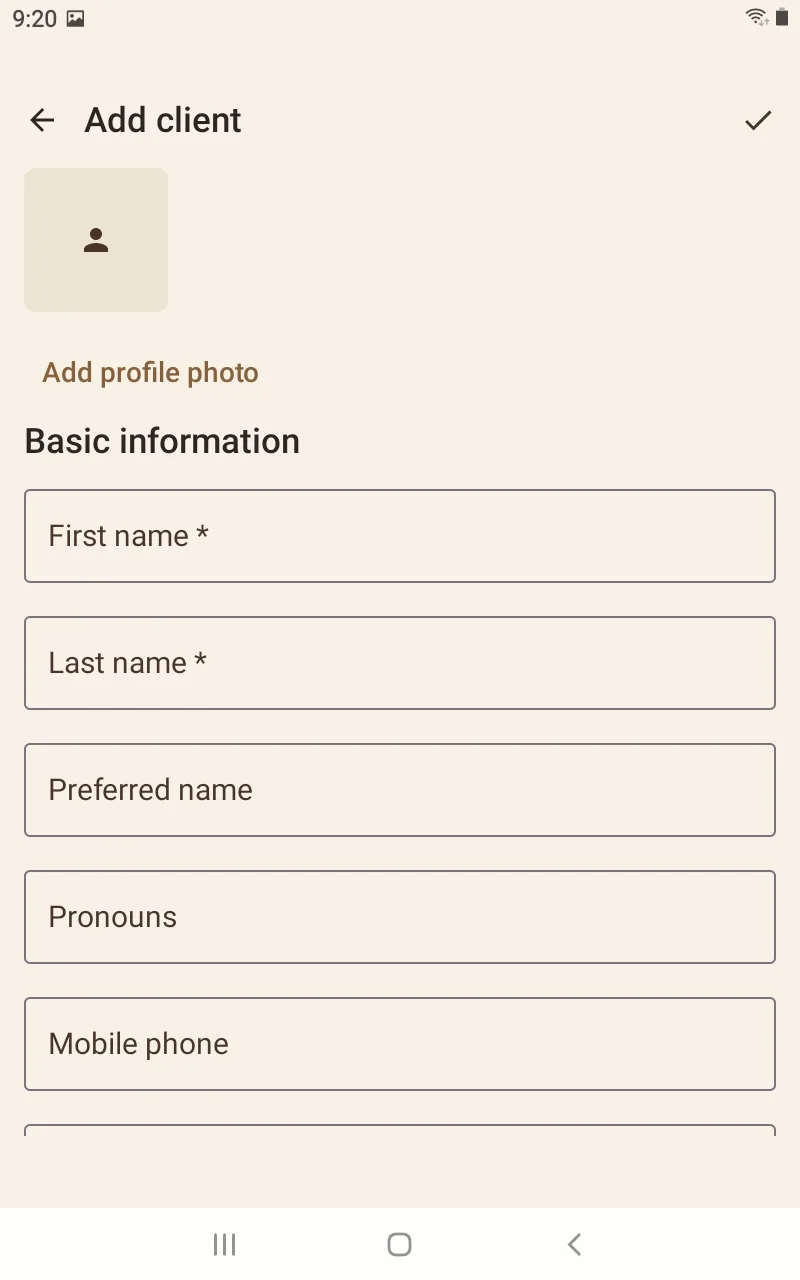
Add client form with fields for name, preferred name, pronouns, and mobile phone.
Client profiles hold the details a stylist actually uses behind the chair.
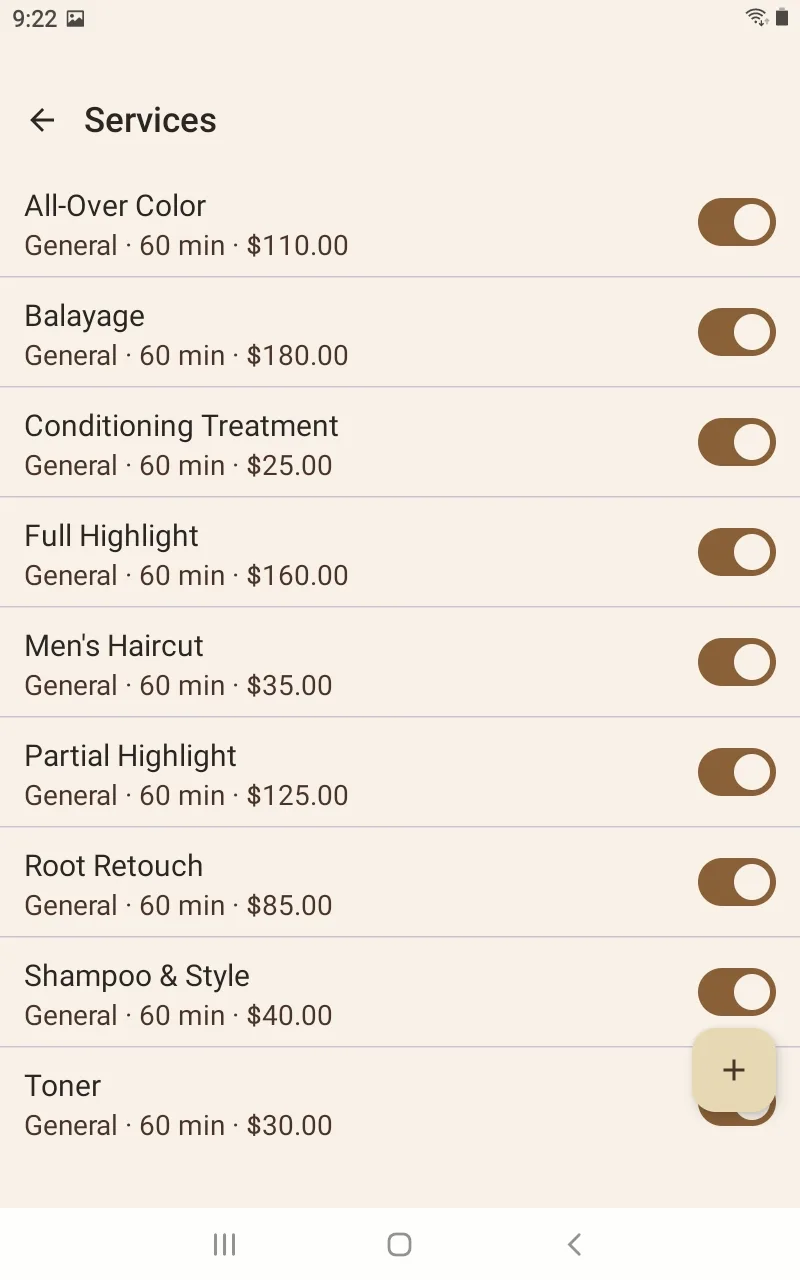
Services list showing service names, durations, prices, and on/off availability toggles.
Manage service names, duration, pricing, and availability.
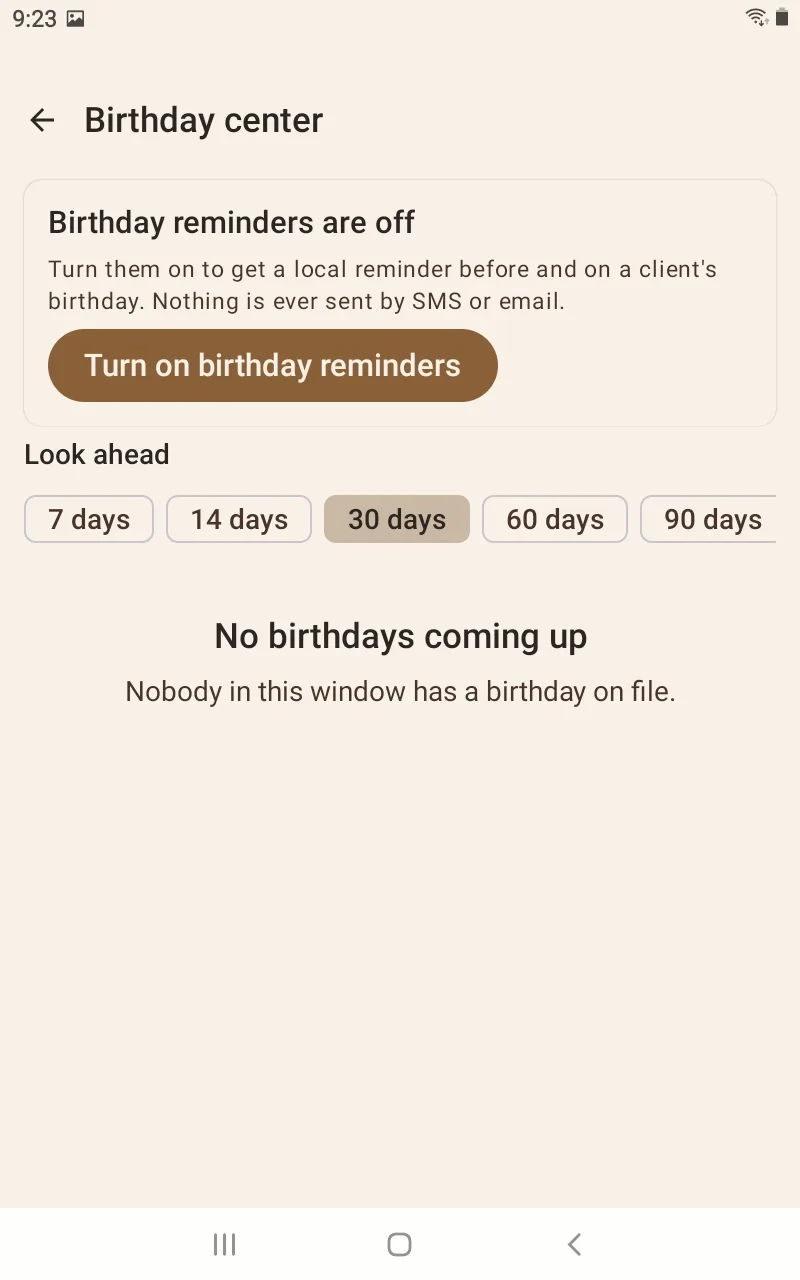
Birthday center with a look-ahead window and a toggle to turn on local birthday reminders.
Birthday reminders stay local — Cosmofy does not send messages on its own.
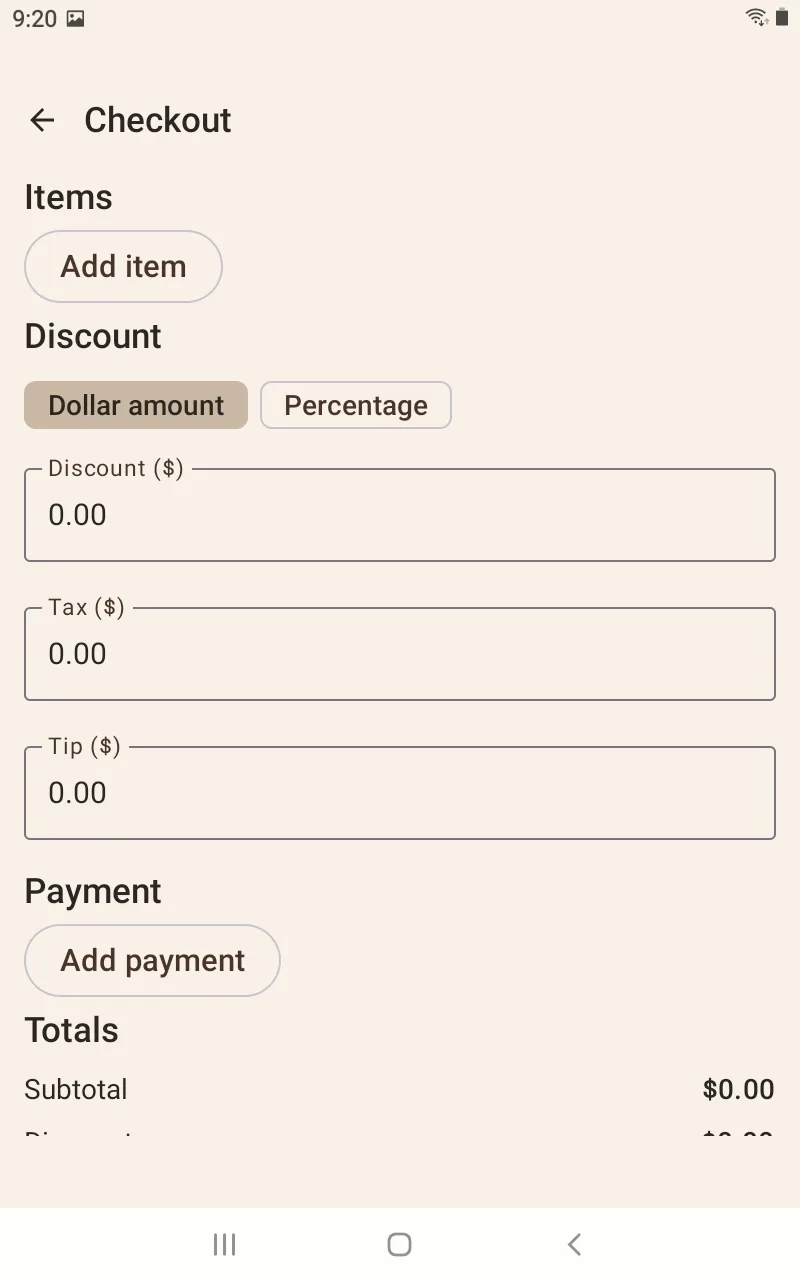
Checkout screen with items, a discount toggle, tax, tip, and payment entry fields.
Checkout connects items, discounts, tax, tips, and payment to the visit.

Money and business

Business records connect to the work.

From checkout to daily close to year-end reporting, income, expenses, and cash stay tied to the day-to-day work of running a chair.
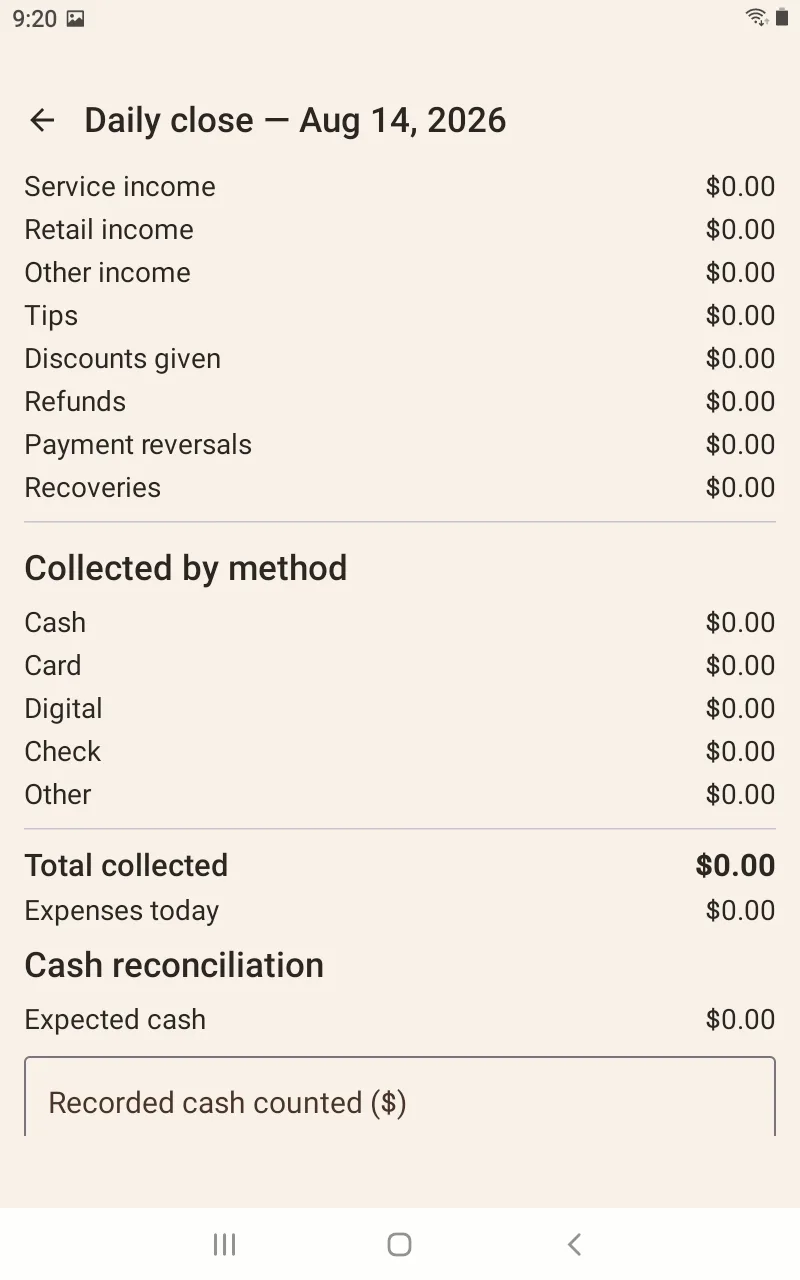
Daily close screen totaling income by type and payment method, with a cash reconciliation section.
Daily Close connects income, payments, expenses, and cash reconciliation.
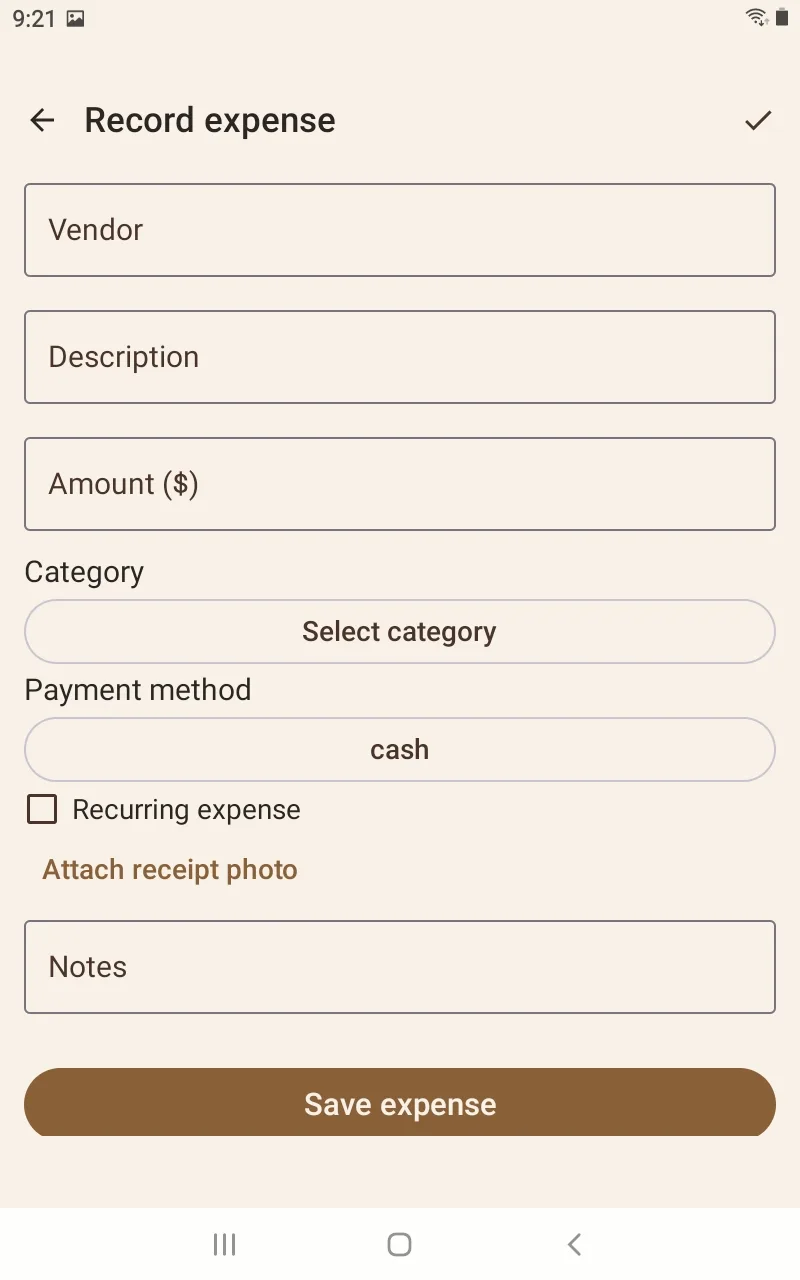
Record expense form with vendor, description, amount, category, payment method, recurring toggle, and receipt photo option.
Expenses track vendor, category, payment method, and recurring status, with receipt photos.
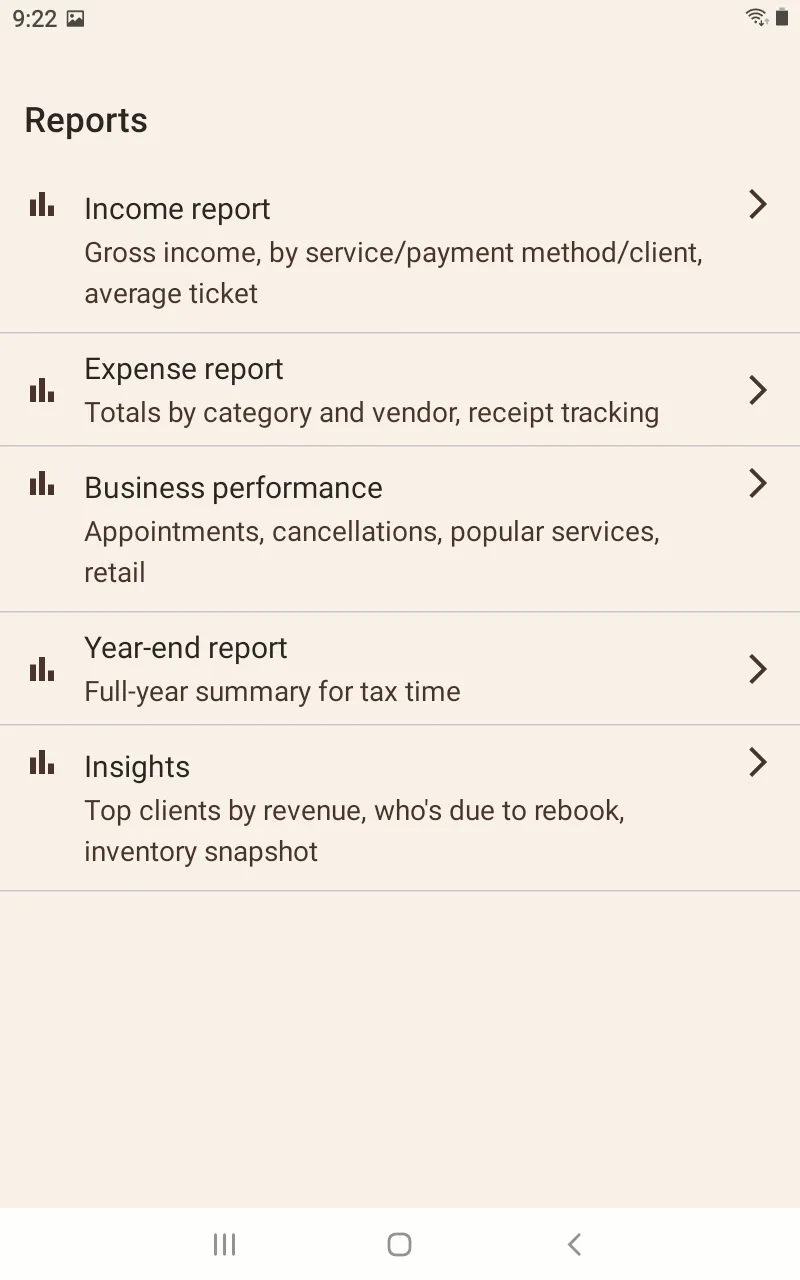
Reports list: income report, expense report, business performance, year-end report, and insights.
Income, expenses, business performance, year-end reporting, and insights.

Privacy, control, and guidance

The app explains what it does with your data.

Security controls and a built-in offline manual make Cosmofy's local-first approach visible instead of burying it in fine print.
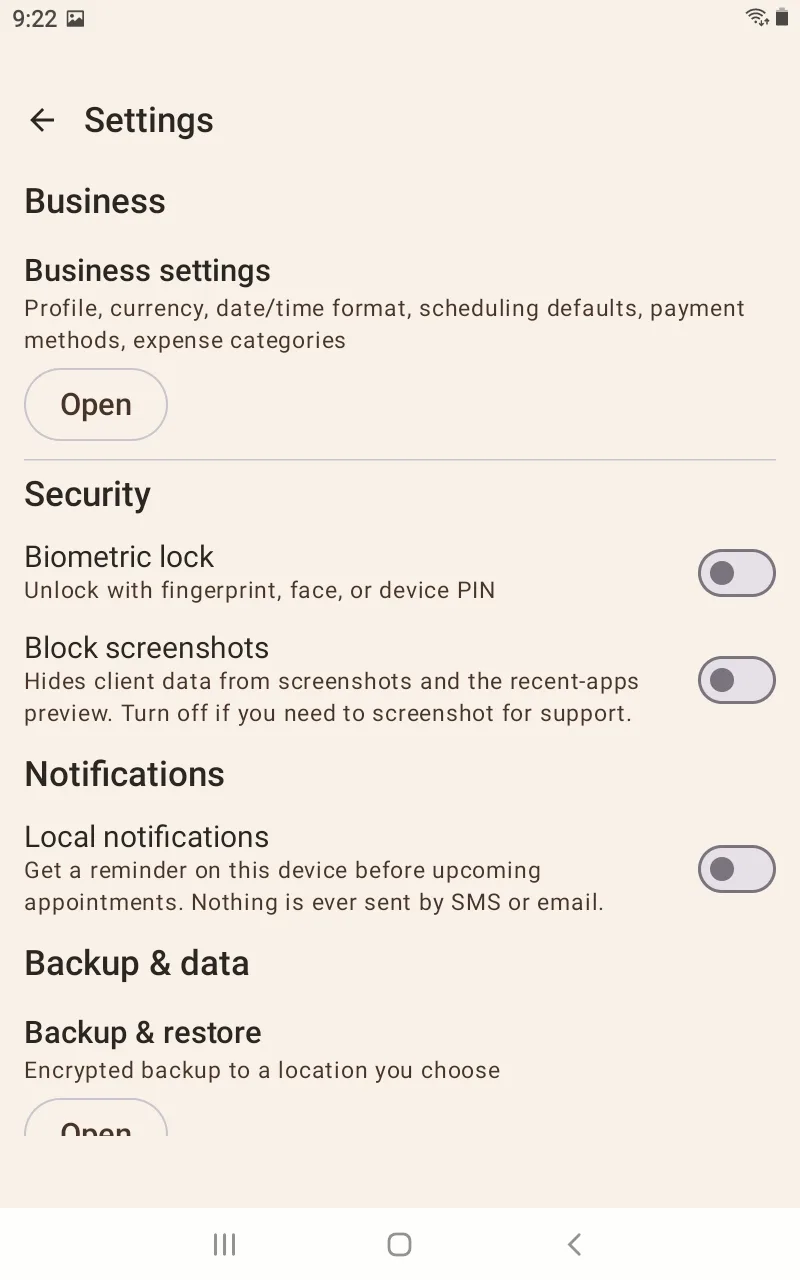
Settings screen with biometric lock, screenshot blocking, local notifications, and encrypted backup controls.
Biometric lock, screenshot privacy, local notifications, and encrypted backup, all in one place.
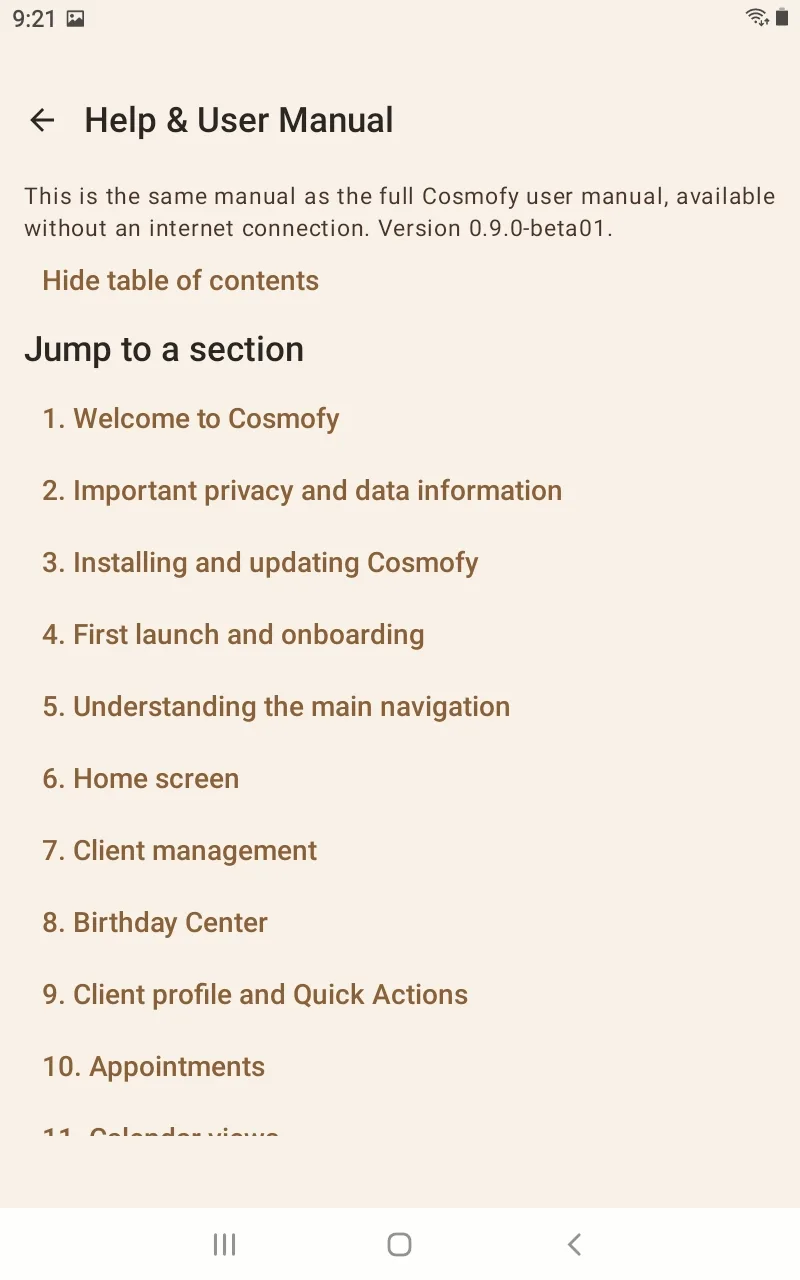
Help and User Manual table of contents, listing chapters from Welcome to Cosmofy through Calendar views.
A full user manual is built into the app, with no internet connection required.
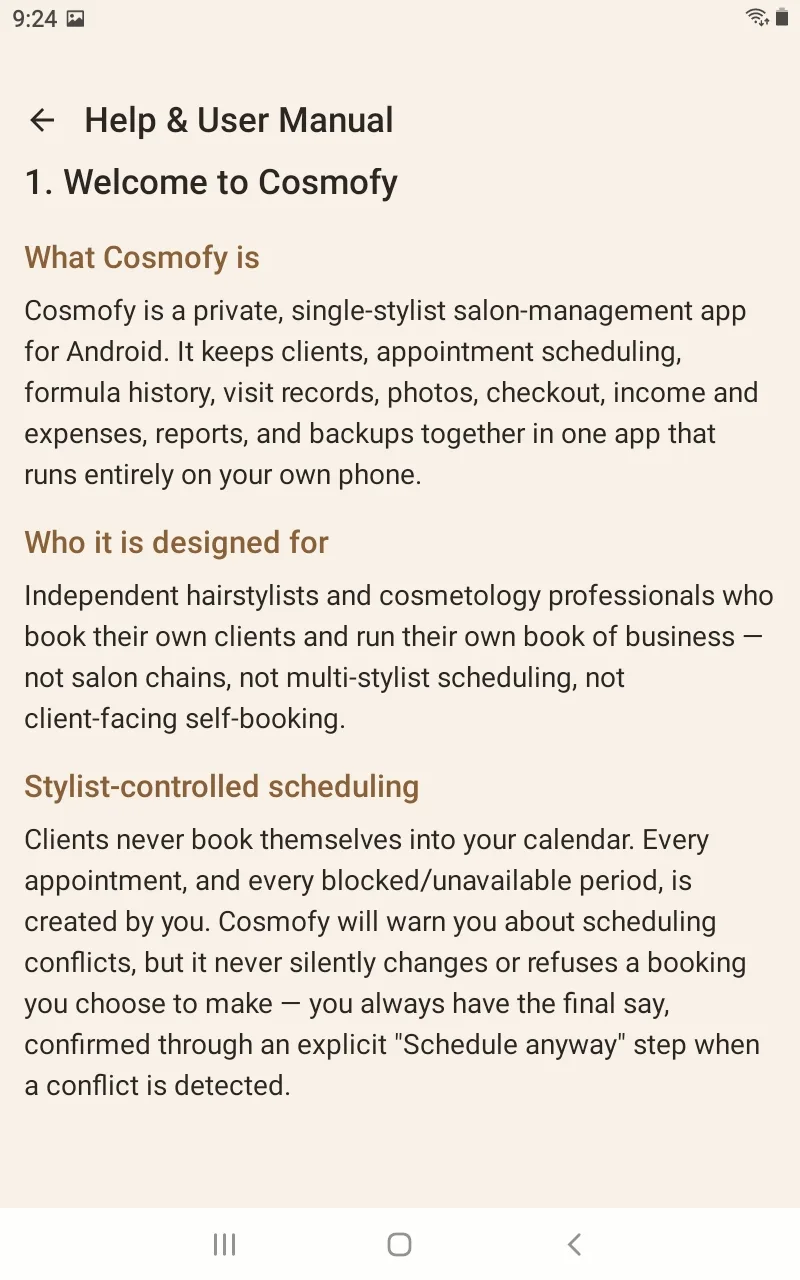
Manual chapter introducing Cosmofy as a private, single-stylist salon-management app with stylist-controlled scheduling.
The manual opens with who Cosmofy is built for: an independent stylist's own book of business.
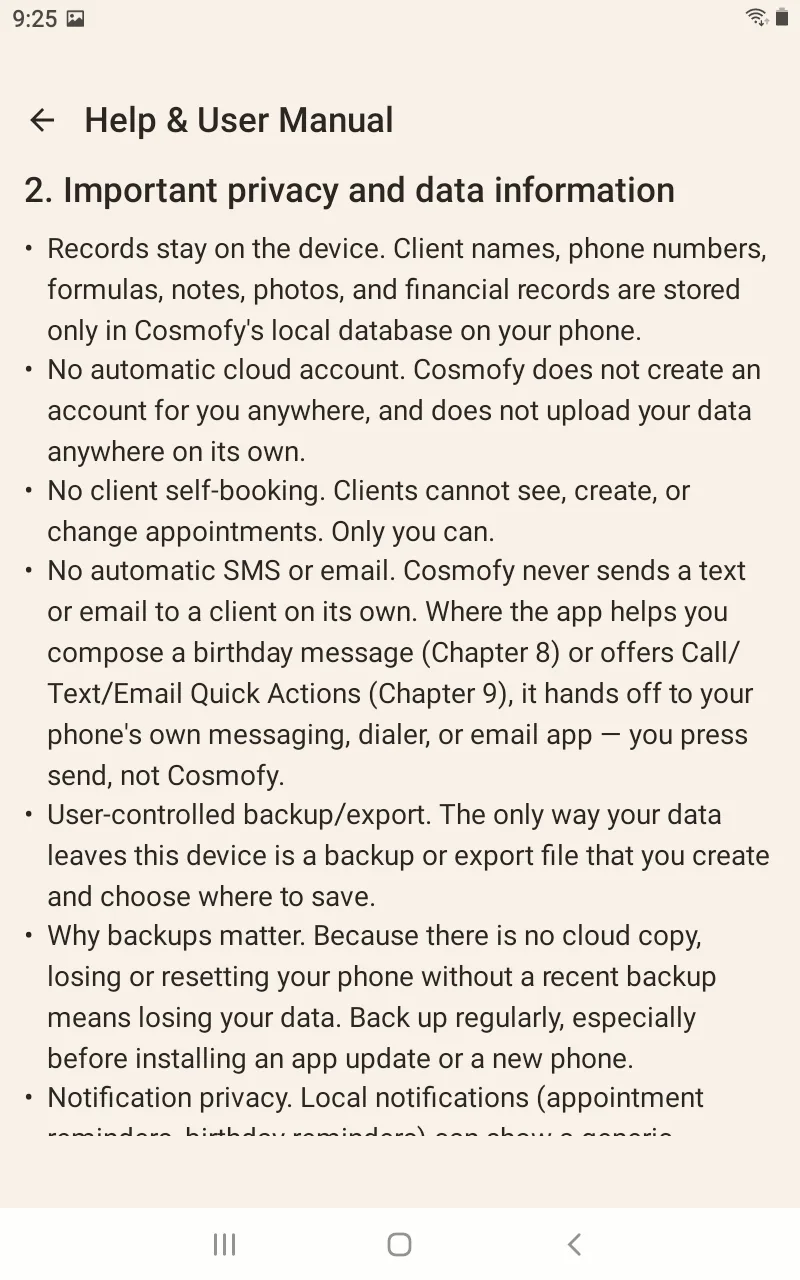
Manual chapter explaining that records stay on the device, with no automatic cloud account, no client self-booking, and no automatic SMS or email.
Privacy guidance spells out local storage, no automatic cloud account, no client self-booking, and user-controlled export.